Screencasts
Short, focused walkthroughs of Loco features — watch the episode, read the notes.
 #001
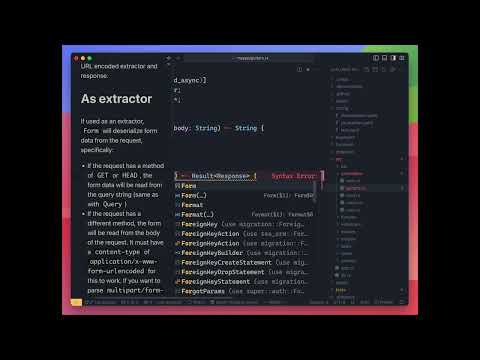
#001Dynamic responses and content types
Learn how to respond to incoming requests with the appropriate content type. Match on the incoming format, and render JSON, HTML or other types of responses.
 #002
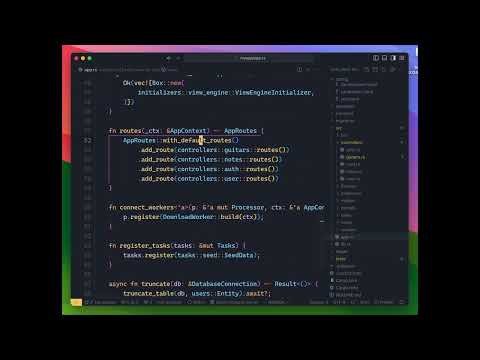
#002Routes and prefixes
Routes in Loco are derived from how Axum does Routes. Learn how to shape your API and draw your routes, from an individual controller to your global app route set up.
 #003
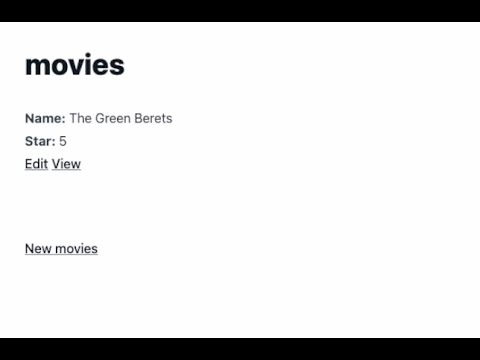
#003Scaffolding full CRUD with HTML views
Loco generators are very powerful. Generate a full CRUD app with a single command, by including the main entity type and its set of fields. Loco will generate models, controllers, views, and migrations for you.
 #004
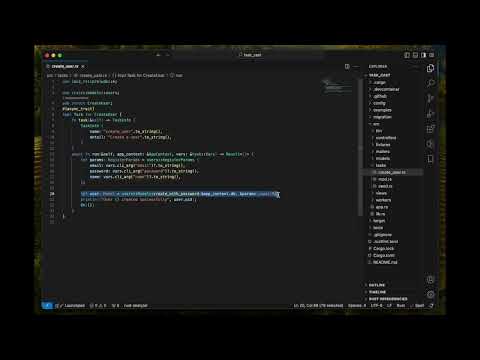
#004Creating tasks
Ever reached out to write a small script to reset a user password? send email notifications to your users? You can use Tasks in Loco to write these operational bits in pure Rust and access your full app from your task.
 #005
#005Testing tasks
See how tasks in Loco are a simple linear workflow with access to your full app context, and how to easily test them. You can write a linear business workflow and test it giving it input and asserting its output.
 #006
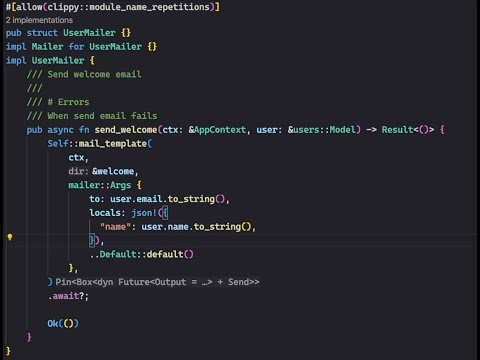
#006Mailers
Learn how to send emails from your app. As it turns out, emails are still an important core feature in business apps. You can send emails from multiple types of providers, and enjoy a great developer experience.
 #007
#007Full CRUD with HTMX scaffold generator
Learn how to use HTMX with Loco. Using Loco's core generator scaffolding abilities, we added support for generating a set of HTMX powered views, which makes it a joy to build a fullstack UI app.